Role
Lead UX/UI Designer
Duration
Apr–Aug 2025
Year
2025
Tools
Figma, FigJam, Maze, Notion
Get Market Insights for Business Growth
Benchmarks.ai provides real-time market intelligence data on the Consumer Internet landscape to Investors & funds.
Duration
April – August 2025
Role
Lead UX/UI Designer
Lean UX — Elements of Experience
After multiple client discussions, we redesigned to optimize user journeys for a seamless experience. The interface targets a modern, intuitive feel calibrated to the user's workflow.
We combined personas under 3 categories based on goal

Founders
Track growth & benchmarks

Investors
Monitor portfolio vs market

Executives
Strategic sector insights
Finding Focus — Learn & Empathize
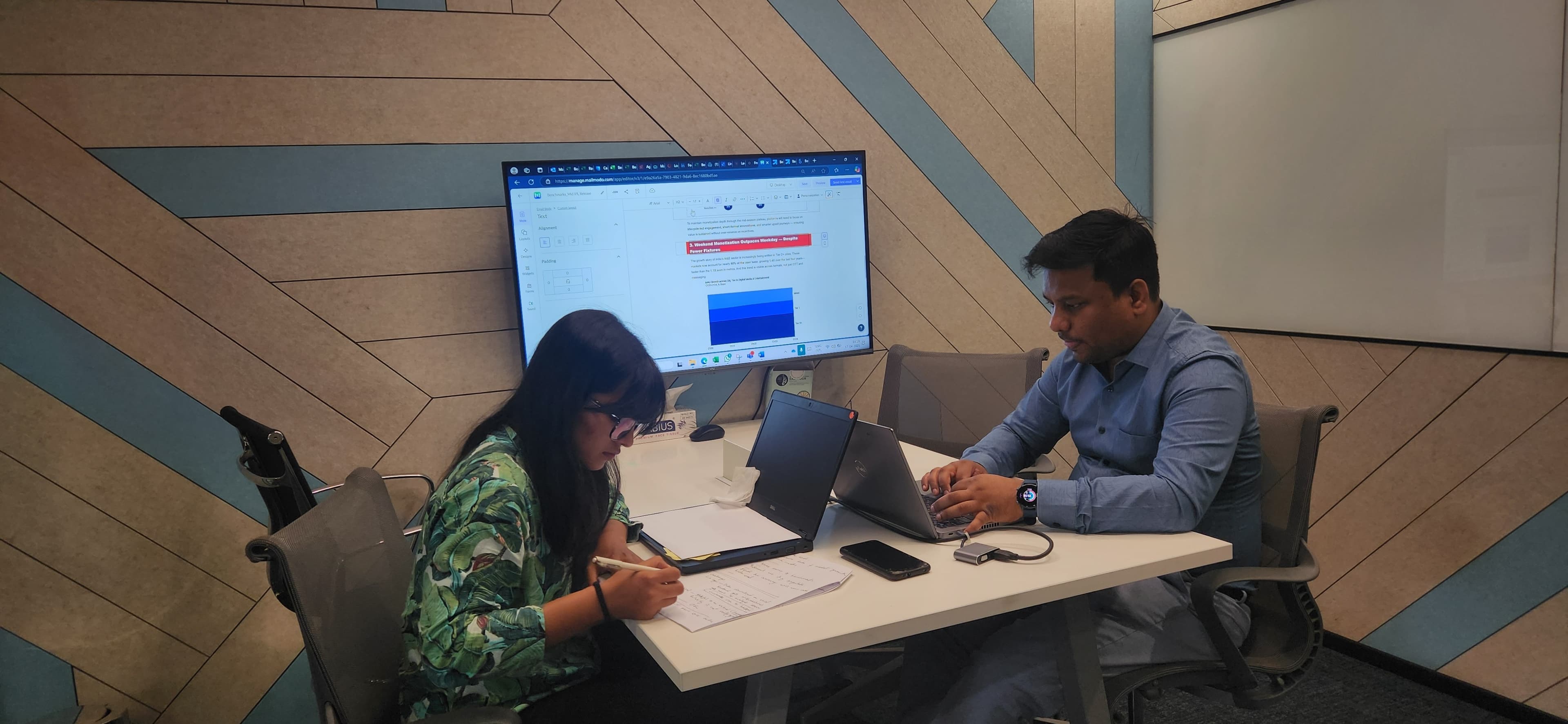
Based on client feedback we built personas, conducted 1:1 interviews to validate assumptions, and empathized with real users — not assumed ones.
User Interviews
We conducted in-depth 1:1 user interviews with founders, investors, and fund managers to understand real pain points and uncover latent needs. Interviews were synthesized into actionable insights and design opportunities that shaped every major product decision.

Two Key Redesign Decisions
Rationale 1
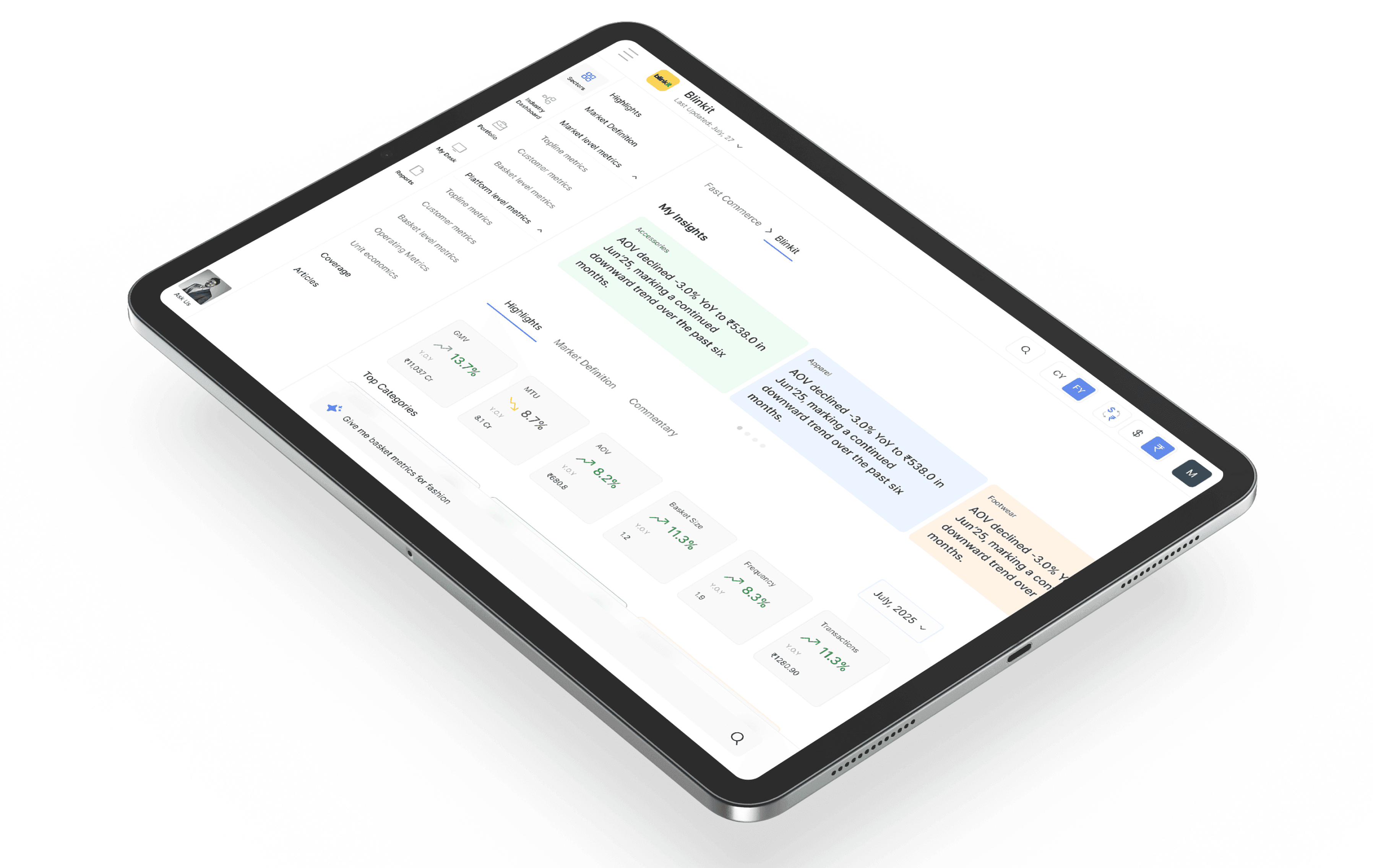
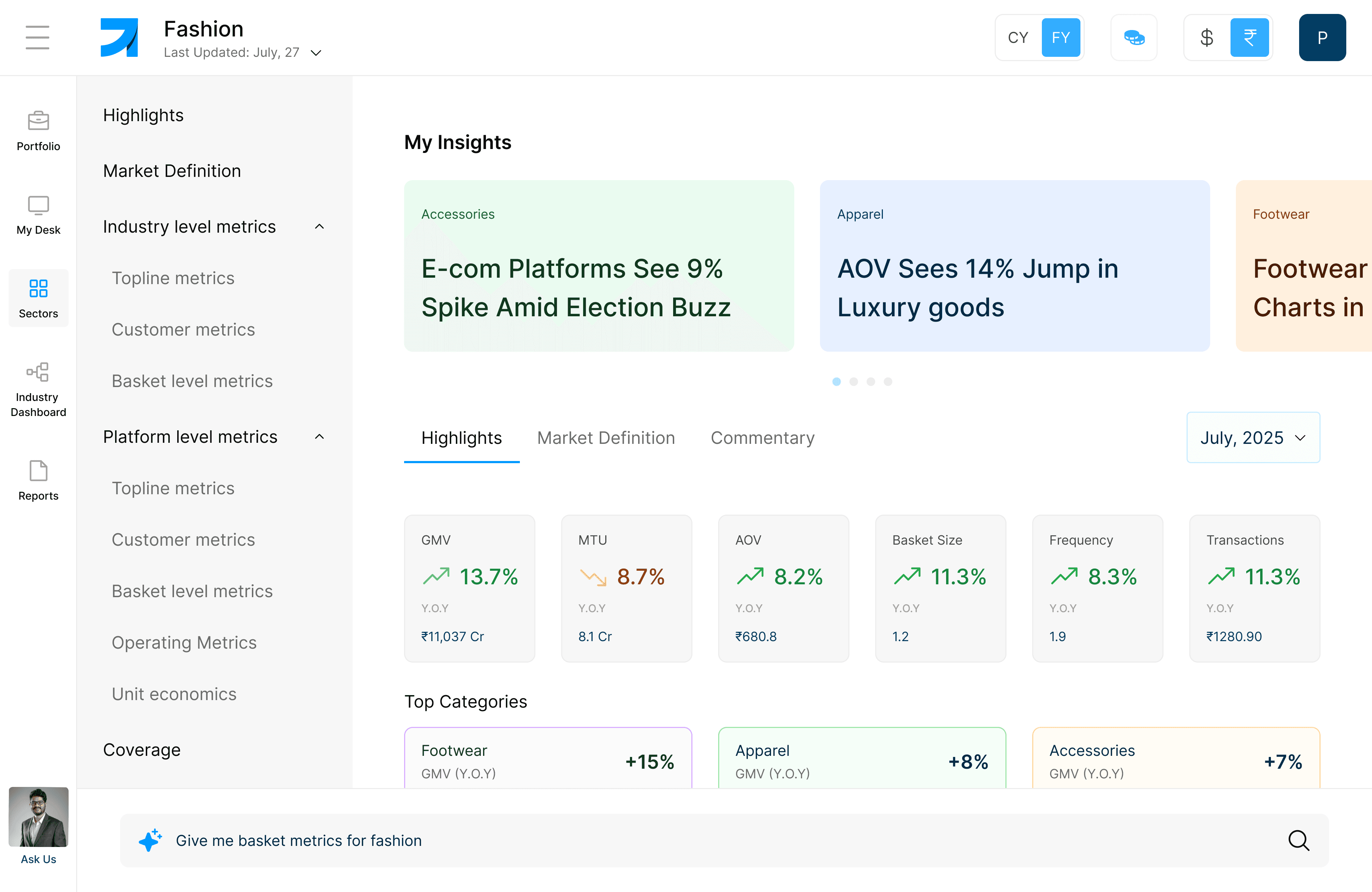
Improving Scannability
“Now it's much easier to access, track and monitor market insights”
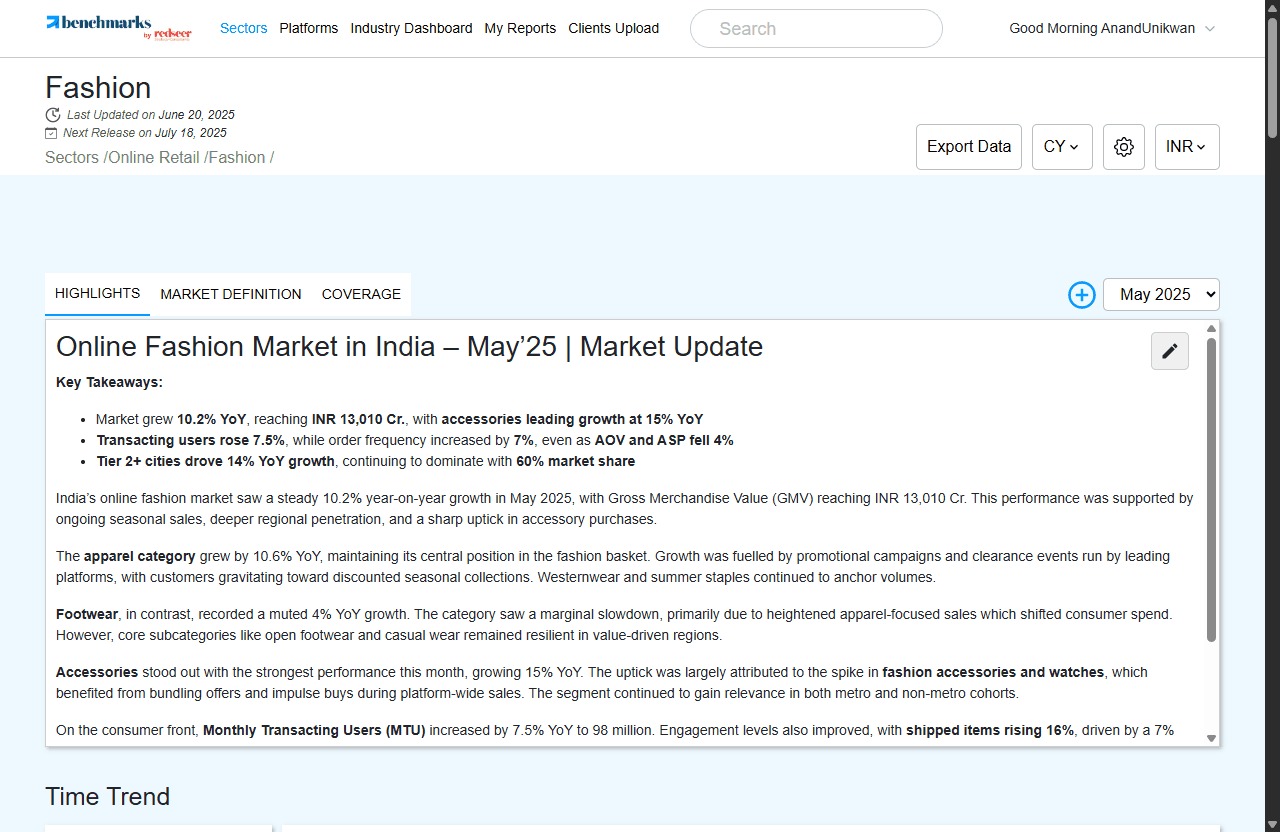
Dense text and static charts forced users to scroll and interpret, slowing insight discovery.
Card-based layout surfacing KPIs (GMV, MTU, AOV) each paired with color-coded signals.
Rationale 2
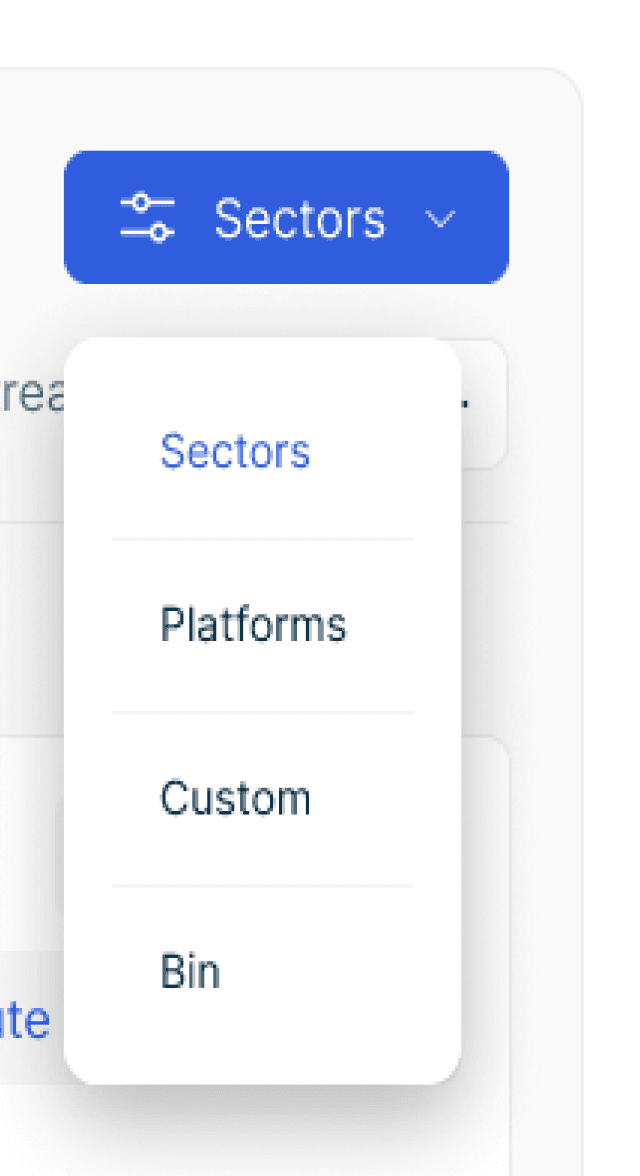
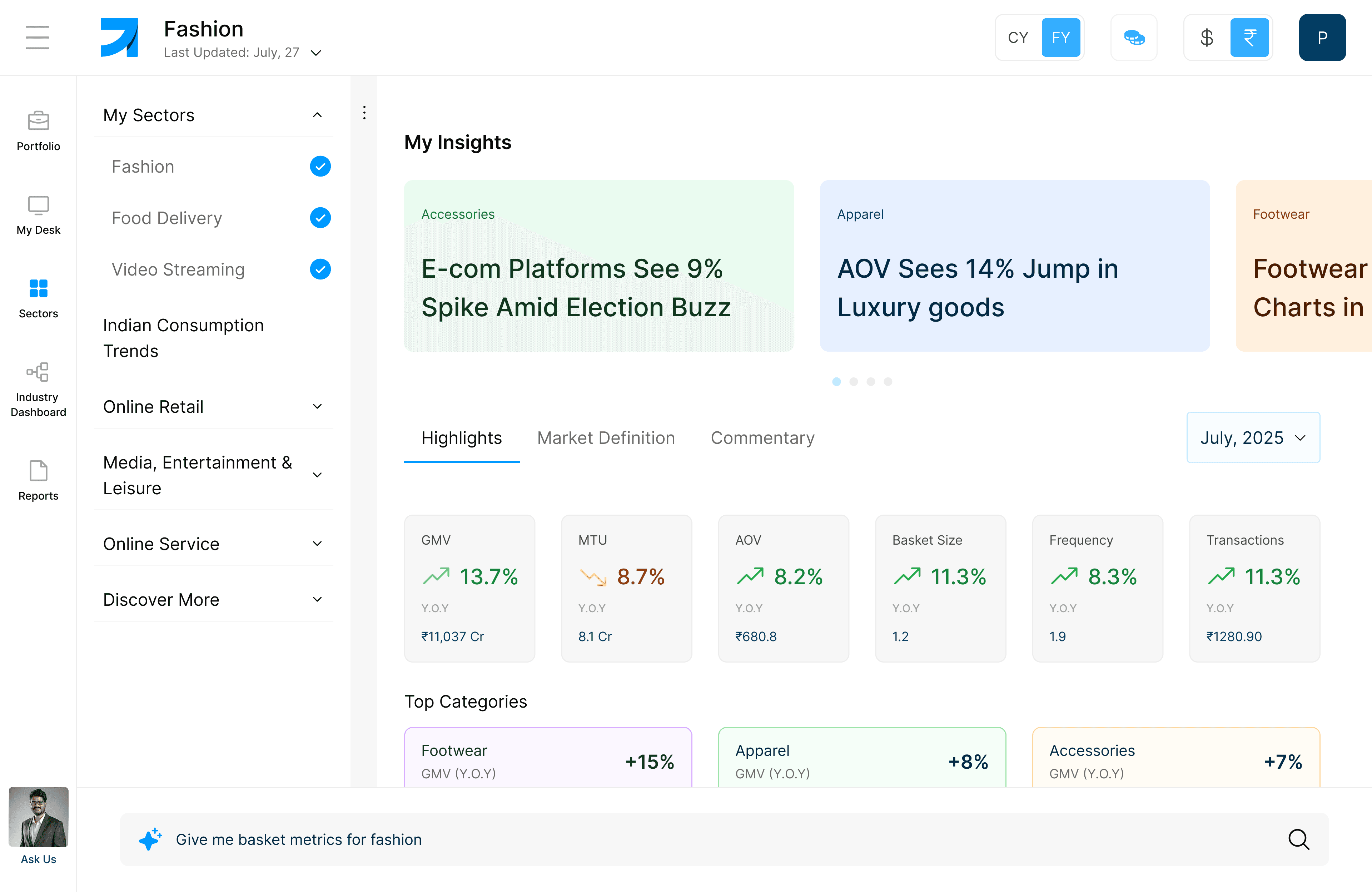
Rethinking Navigation
“The new layout feels like something I already know. It just works.”
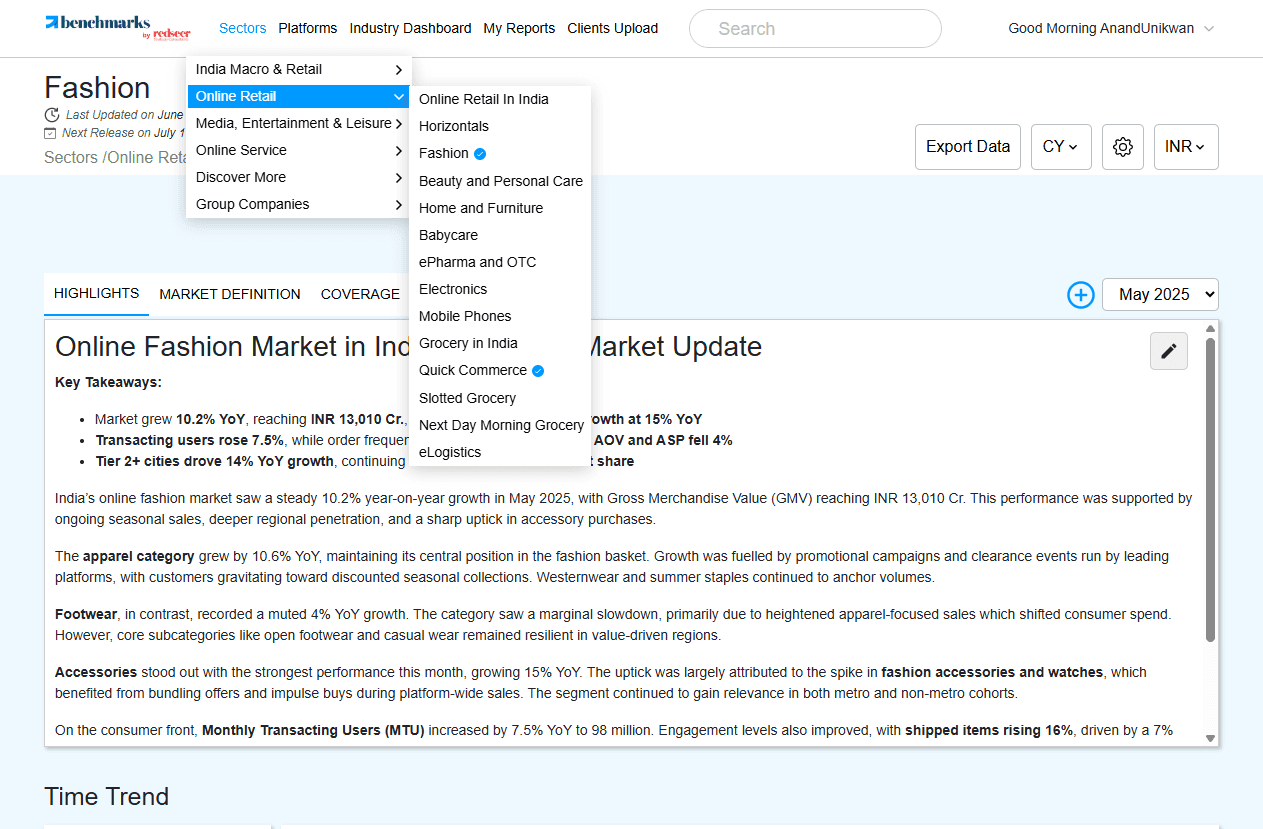
Nested dropdowns and breadcrumbs created friction for users navigating daily.
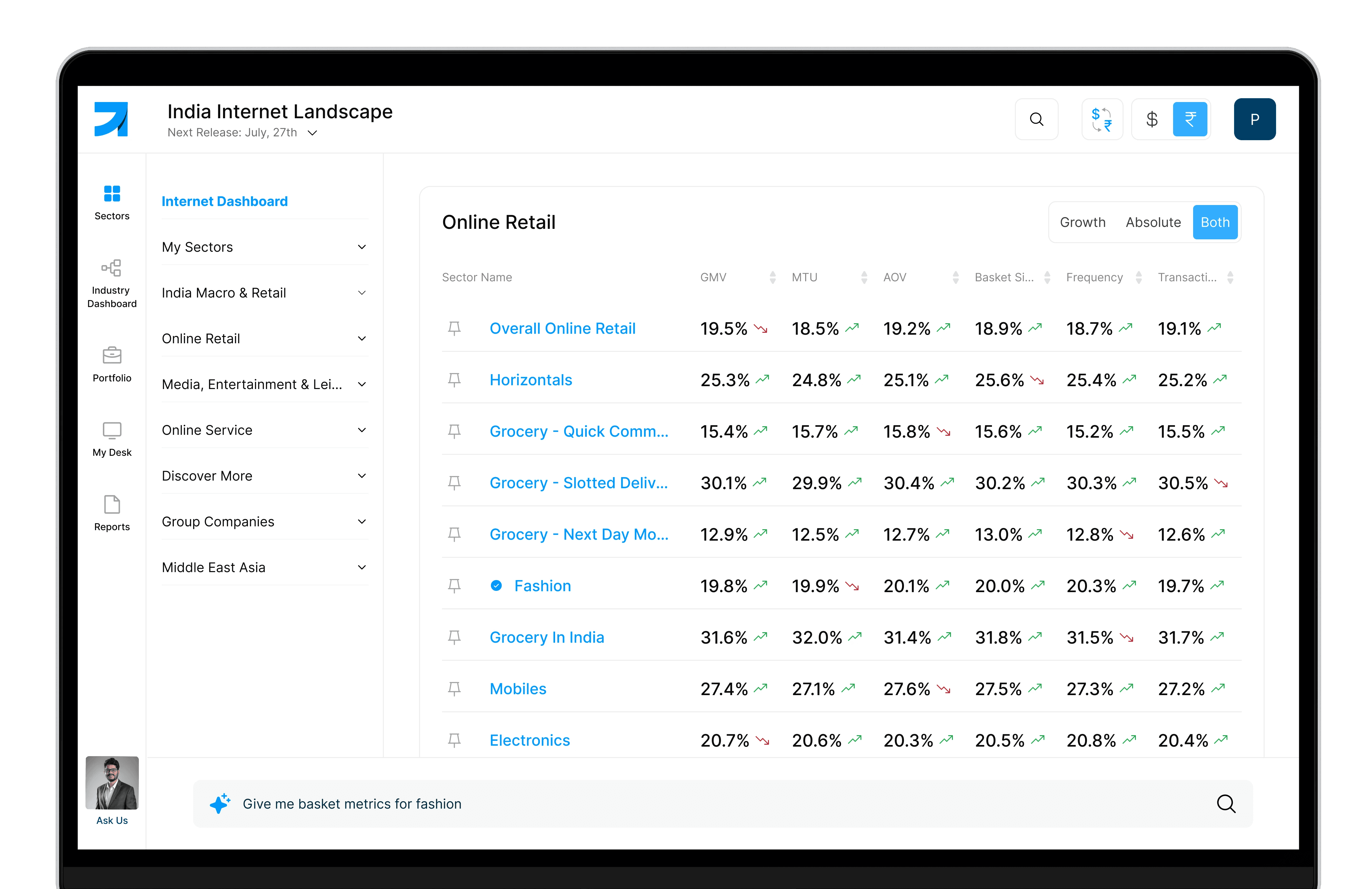
Navigation inspired by Microsoft Teams — a tool users were already deeply familiar with.
My Desk — Personalized Metric Board

My Desk
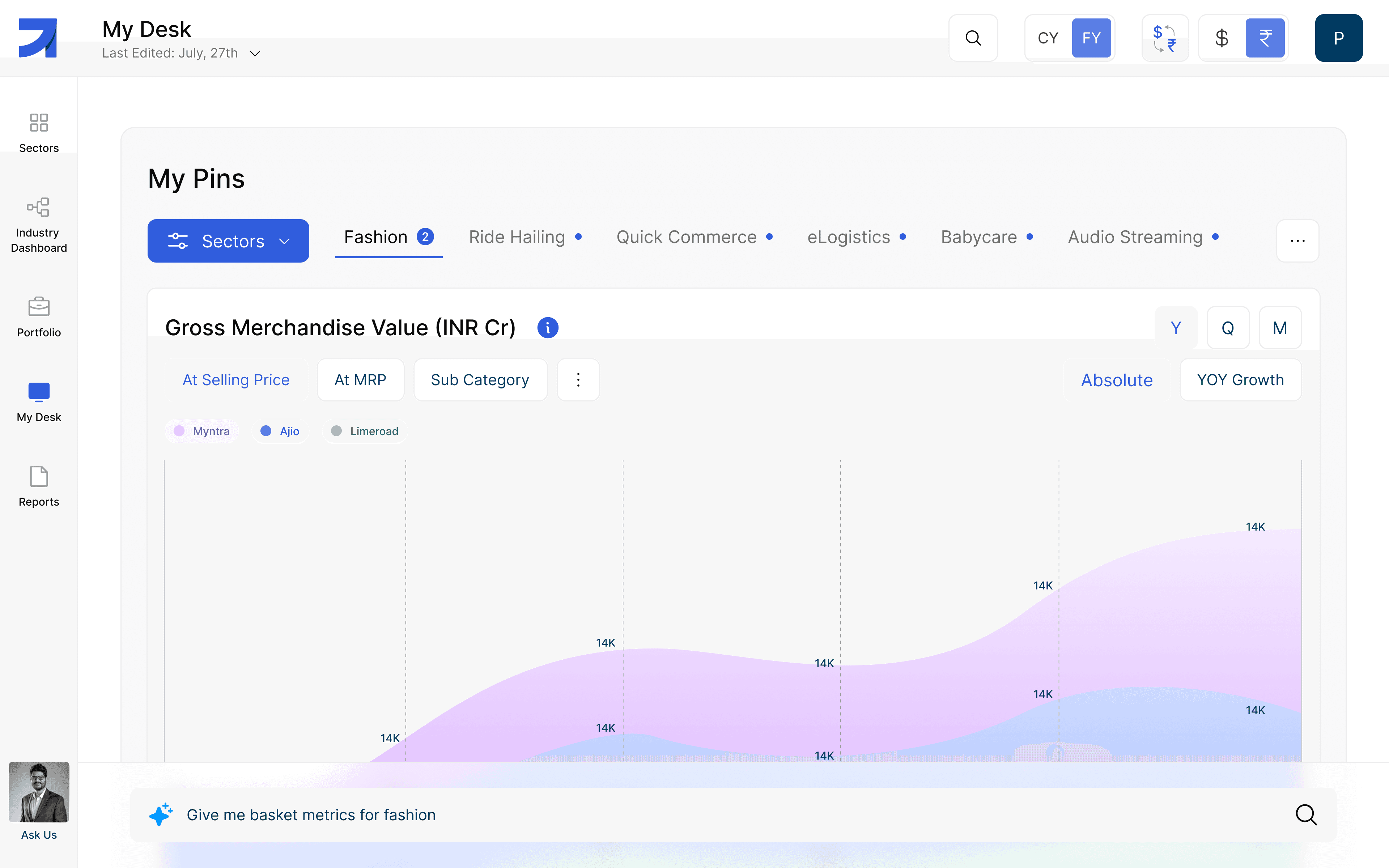
A personalized metric board for investors, brands & funds
Users track 4–5 metrics across sectors but had no way to revisit them easily. Every session meant re-navigating.
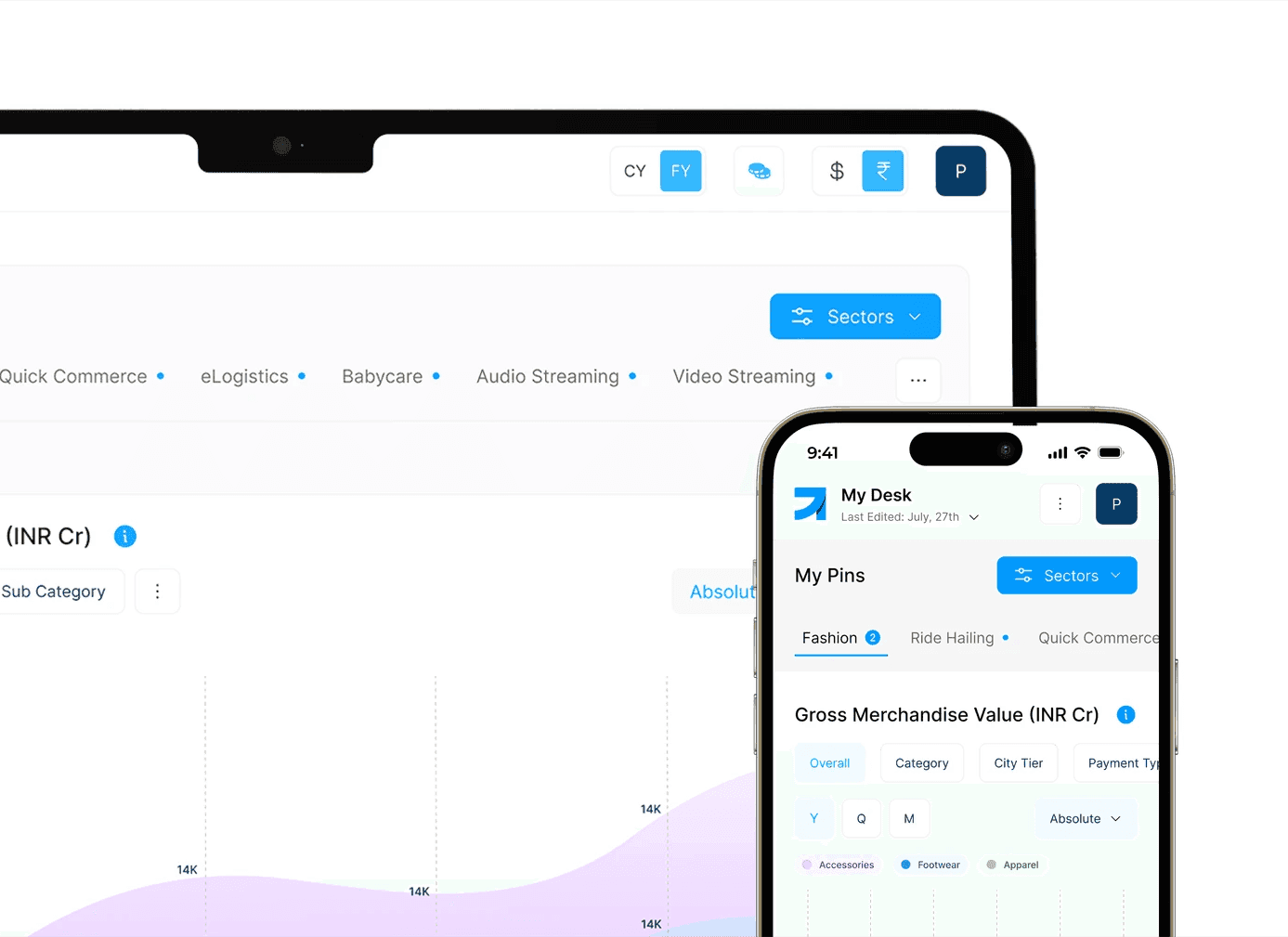
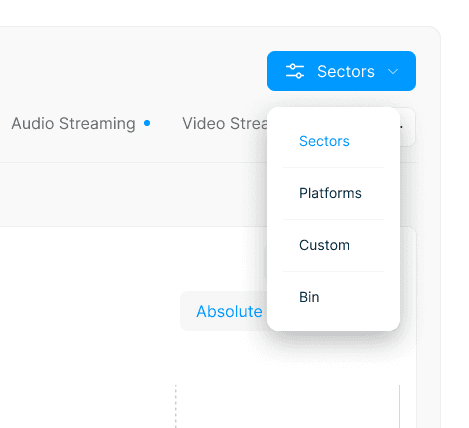
My Desk — a customizable space to pin most-used metrics, sectors, or charts. Acts as a personal command center.
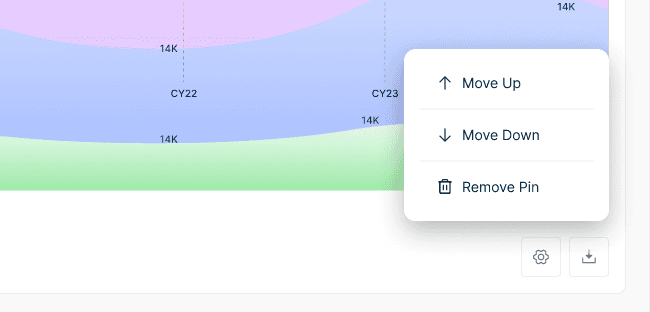
Pin Metrics from various sectors or custom generated

Apply custom settings including deletion (retained 14 days)

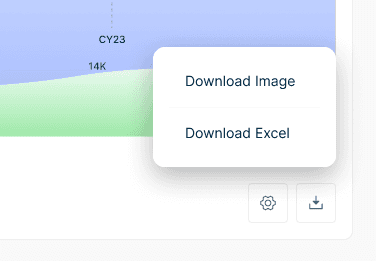
Download metrics as image or Excel format

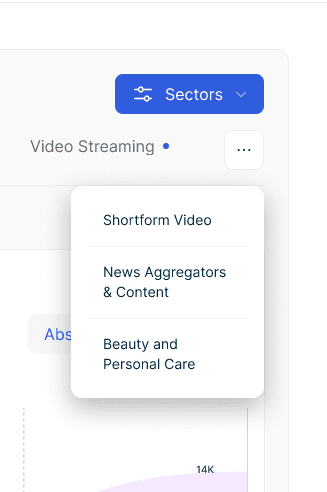
Smart overflow handling for heavy pinners

Guided Onboarding
Re-imagined onboarding lets users select role, sectors & preferences for personalized dashboards.
My Portfolio
Track investment portfolios against market averages. Add companies, monitor 12+ KPIs, compare with peers in real time.
My Desk Workspace
Customizable control center reducing information mining time by −60%.
Player Page
Granular KPI-level detail for any company. Visualizes growth, engagement, and monetization benchmarked against industry.

Sector Pages
360° perspective on 20+ industries — funding activity, market size, active players, and byte-sized industry trends.
Mobile Experience
Condensed dashboards for on-the-go insights. Prioritized readability and interaction hierarchy.